
AppInstaller EX can help you:
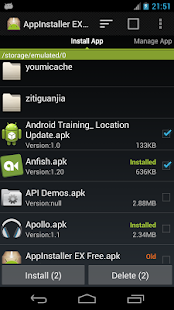
1. Install app from SD Card
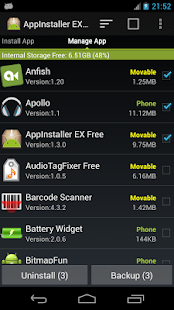
2. Uninstall app
3. Delete apk file in SD Card
4. Backup app to SD Card
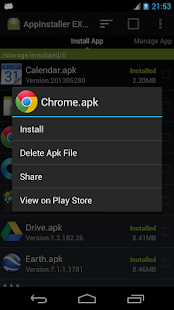
5. View app info in Google Play
6. Send apk file to friends
7. App2SD
8. Batch Install/Uninstall/Delete/Backup apps
- Please make sure your settings allow you to install non-market apps. You can enable it under Settings → Applications/Security → Unknown sources.
- Long press on the app item in "Install App" page will pop-menu for more action.
- App2SD need device and app itself supports.
- Not all apps can be backup or App2SD.
- If you want to help translate this app, please email me.
Update:
- Fixed the "Package file was not signed correctly." error.
More Info: Google Play
Download Here : Zipp-apk
Screenshots : Let's look!!
Note:


0 comentários:
Postar um comentário